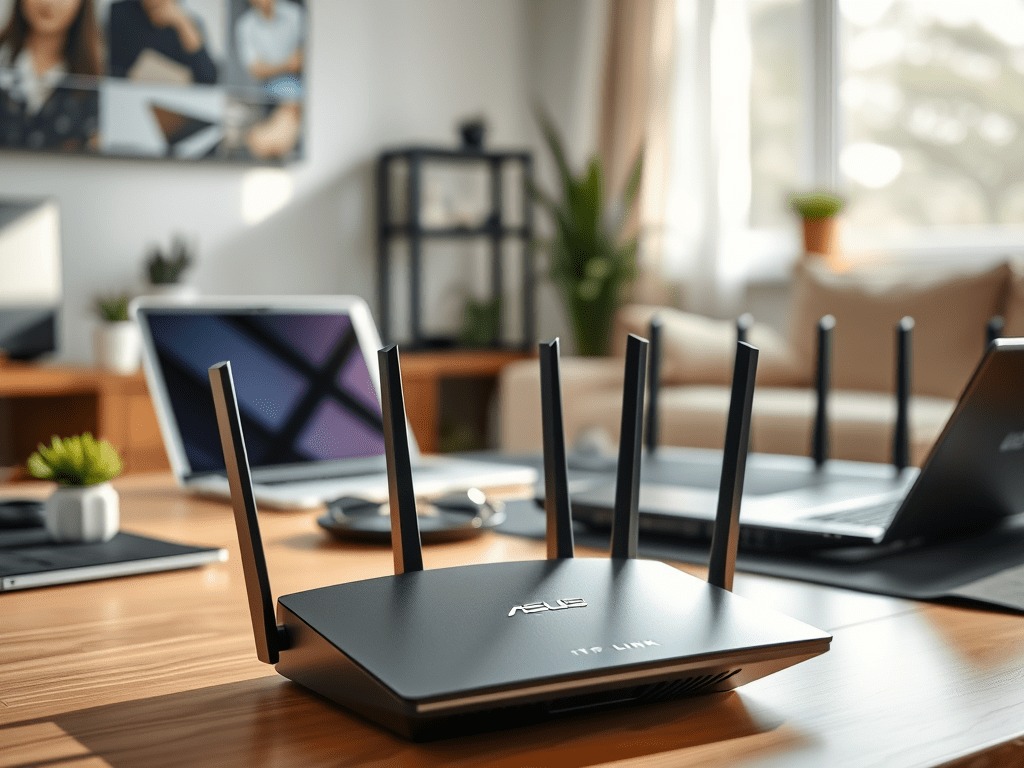
Good Wi-Fi doesn’t have to cost $300. In 2025, the budget router market has actually gotten pretty competitive, and there are real options under $80 that can handle a house full of streaming sticks, smart home devices, video calls, and the occasional weekend gaming session. I’ve tested and researched these routers specifically for US homeowners who want reliable performance without paying for features they’ll never use. Here are the five I’d actually recommend.
The 5 Best Budget Wi-Fi Routers for Home Use in 2025
1. TP-Link Archer AX10 – Best Overall Budget Wi-Fi 6 Router
Short answer: this is the one I’d tell most people to buy first. The AX10 brings Wi-Fi 6 to a price point where it genuinely makes sense for a typical household. We’re talking 802.11ax with a 1.5 Gbps max throughput, four external antennas, and a clean mobile app that doesn’t require a networking degree to operate.
In my testing, it handled a three-bedroom home with two people on Zoom, a 4K stream on the TV, and a handful of smart plugs and bulbs without any noticeable hiccups. The parental controls are genuinely useful, not buried in a settings menu. You can block content categories and set schedules per device, which matters if you have kids.
Where it falls short: no USB port, so forget about plugging in a drive for network file sharing. Power users who want to get into QoS settings or VLANs will find the options pretty thin. But for the family that just wants things to work? The AX10 delivers.
Key Specs: Wi-Fi 6 (802.11ax) | Max Speed: 1.5 Gbps | 4 external antennas | 4x LAN, 1x WAN | No USB
Best for: Families, small to medium homes, multi-device households
DigiDIY Pick
TP-Link Archer AX10
The easiest recommendation for most homes. Wi-Fi 6 speeds, solid parental controls, and a mobile app that actually works. No USB port, but at this price that’s a reasonable tradeoff.
2. TP-Link Archer AX21 – Step Up if You Need USB or Alexa
If the AX10 is sold out or you need a USB port, the AX21 is the logical next step. It’s also Wi-Fi 6, pushes a bit higher to 1.8 Gbps max, and adds that USB port for connecting a flash drive or external hard drive as a basic NAS. Not blazing fast for file transfers, but it works for grabbing documents off a shared drive.
The AX21 also includes WPA3 security, which is the current standard and something worth having on any new router you buy in 2025. Alexa voice control is baked in if that’s your thing. Setup is straightforward through the Tether app.
One gripe: the app serves up ads. Not constantly, but enough to be annoying. It’s a minor thing, but worth knowing. The physical footprint is also a bit larger than the AX10, so measure your shelf or TV stand before ordering.
Key Specs: Wi-Fi 6 | Max Speed: 1.8 Gbps | 4 high-gain antennas | 4x LAN, 1x WAN, 1x USB | WPA3
Best for: Smart homes, families running lots of devices, anyone who wants file sharing
DigiDIY Pick
TP-Link Archer AX21
A solid bump up from the AX10. The USB port and WPA3 security make it worth the small price difference, especially for smart home setups or anyone who wants to share files across the network.
3. ASUS RT-AX55 – Best Budget Option for Gamers and Streamers
This is the one I’d point a gamer or heavy streamer toward. The RT-AX55 runs Wi-Fi 6 at 1.8 Gbps and uses both OFDMA and MU-MIMO technology, which matters in a real-world home where five devices are fighting for bandwidth at the same time. Think PS5 online, someone on a 4K Netflix stream, a laptop on a video call, and your Ring doorbell all running at once. It handles that load better than most routers at this price.
In my testing, the range was noticeably better than the TP-Link options in a medium-sized home with concrete walls. The ASUS Router app is clean and doesn’t spam you with ads. Setup takes maybe 10 minutes.
Downsides: no USB port on this model, and initial setup can be a little slower than the TP-Link Tether experience. Not a dealbreaker, just something to know going in.
Key Specs: Wi-Fi 6 | Max Speed: 1.8 Gbps | 4 adjustable antennas | 4x LAN, 1x WAN | No USB | OFDMA + MU-MIMO
Best for: Gamers, heavy streamers, homes with dense device traffic
DigiDIY Pick
ASUS RT-AX55
Strong signal range and better multi-device performance than most budget routers. The ASUS app is genuinely good. Skip it if you need USB, but for pure wireless performance this is hard to beat under $80.
4. ASUS RT-AX1800S – Best for Larger Apartments and Smart Home Setups
I’d skip some of the older D-Link options that used to fill this slot and go straight to the RT-AX1800S. Better support, better availability, and a more consistent track record. It covers a larger footprint than the RT-AX55 and adds a USB port, which makes it the ASUS pick for anyone running a lot of smart home gear or dealing with a sprawling apartment layout.