
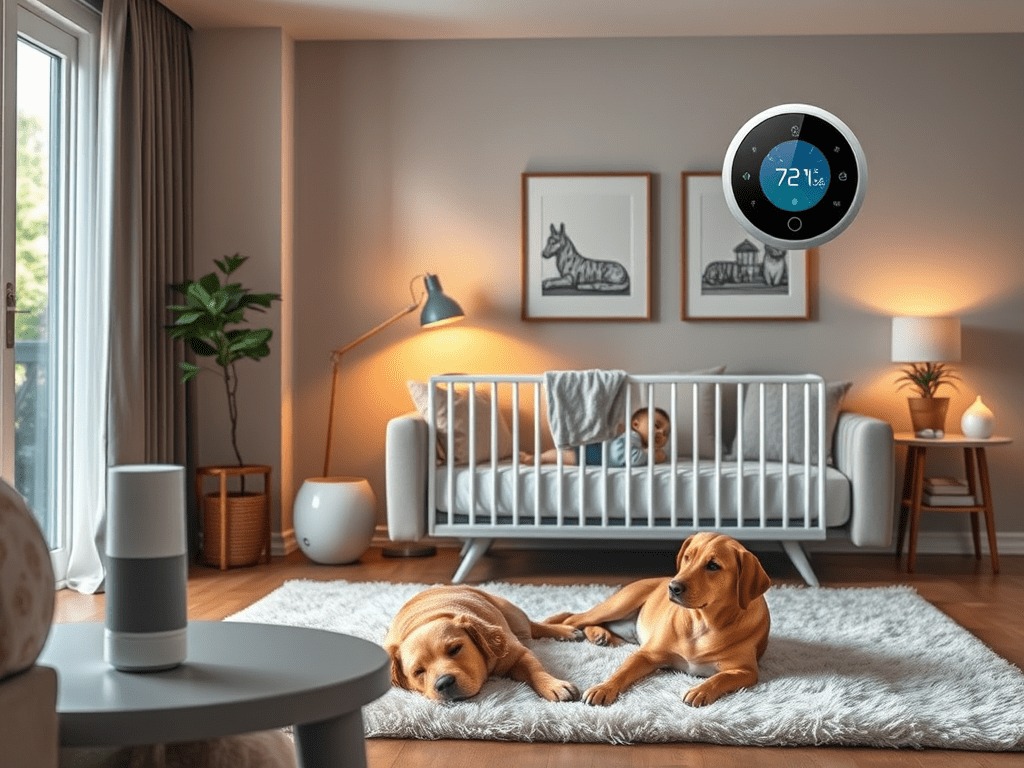
Your baby finally goes down for a nap. The dog is passed out in a sunbeam. And then you remember: you left the garage door open. Instead of scrambling for your keys or, worse, waking the baby by rushing out, you pull out your phone, tap once, and it’s done. That’s not a fantasy. That’s just what a halfway-decent smart home setup looks like in 2025. This guide is for parents, pet owners, and anyone who wants their house to actually work for their family, not just look impressive at dinner parties.
Start With Wi-Fi. Seriously, Start There.
Every smart home tip you read assumes your Wi-Fi is solid. Most home networks aren’t. If you’ve got a two-story house, a garage, and a backyard where the kids play, you almost certainly have dead zones. A baby monitor that drops signal at 2am or a pet cam that buffers when you’re trying to check on the dog isn’t useful. It’s just annoying.
Short answer: before you buy a single smart device, sort out your network. A mesh Wi-Fi system or a quality range extender will do more for your smart home than any individual gadget. Get coverage into the garage, the backyard, and the nursery. Then build from there.
Smart Tech for the Baby’s Room
When you have a baby at home, two things matter above everything else: sleep and safety. Smart devices can genuinely help with both, as long as you pick the right ones.
Baby Monitors Worth Buying
In my testing, the difference between a cheap baby monitor and a good smart one comes down to three things: night vision clarity, two-way audio that doesn’t sound like a walkie-talkie from 1987, and a stable connection. The best models in 2025 also include sleep tracking, which sounds like a gimmick until you’re trying to figure out why your kid keeps waking up at the same time every night. Spoiler: it’s usually the neighbor’s porch light or a heating system kicking on.
We’ve put together a full breakdown of our top picks in the Best Baby Monitors for 2025 review if you want the specifics.
Nursery Automations That Actually Help
A smart thermostat is one of the best investments you can make for a nursery. Babies sleep better in a consistent temperature range, around 68 to 72 degrees Fahrenheit, and manually adjusting the thermostat every night gets old fast. Set a schedule, forget about it.
Motion-sensing night lights are another one I’d recommend without hesitation. They’re bright enough to see by during a 3am feeding, dim enough not to fully wake the baby, and they turn themselves off. Smart plugs paired with a white noise machine let you set a timer so the machine shuts off automatically after the baby is in deep sleep.
If you use Google Home or Alexa, build a bedtime routine. One phrase, “Hey Google, nursery bedtime,” can dim the lights, drop the thermostat two degrees, and kick on the white noise machine at the same time. I set one of these up for a friend with a four-month-old. She texted me the next morning and said it was the first time she hadn’t woken her daughter up fumbling with her phone in the dark.
Gear for the Dog (and the Cat, Fine)
Pet owners are actually a huge driver of smart home adoption, and it makes sense. You can’t explain to a dog why you’re working late. But you can check on them, talk to them, and make sure they’re fed on schedule, all from your phone.
Pet Cameras
A good pet camera does three things: live video, two-way audio, and some kind of alert system. Bark detection alerts are useful if your dog has separation anxiety and you want to know when they’re stressed, not just watch them sleep for eight hours. Some models also have a treat dispenser built in. I’d skip the cheaper treat-tossing cameras, the mechanisms jam, but the mid-range ones from established brands hold up fine with daily use.
Our Smart Gadgets Your Dog Will Love roundup covers the specific models we’ve tested.
Automatic Pet Feeders
App-controlled feeders let you set feeding schedules and portion sizes down to the gram. This is genuinely useful if you have a dog on a diet, a cat that needs medication mixed into food at a specific time, or you’re just inconsistent about feeding times. Some models track food levels and send you an alert when the hopper is running low. That one feature alone has saved me from more than one emergency pet food run.
Pet-Safe Zones
Smart plugs connected to motion sensors can disable certain outlets or trigger alerts when your pet gets into an area they shouldn’t. It’s not a substitute for physical barriers, but it adds a layer of awareness, especially useful if you have a dog that likes to chew cords or a cat that’s discovered how to open cabinet doors.
Don’t Ignore the Garage
The garage is the most overlooked part of the smart home setup for families. It’s also where most break-ins happen, where kids ride bikes in and out all day, and where, if you’re anything like me, you occasionally leave the door open all night without realizing it.
Smart Garage Door Openers
A smart garage opener lets you open and close the door remotely, check its status from anywhere, and set up alerts if it’s been left open for more than ten minutes. You can also tie it into location-based routines. When your phone leaves the house, “Away Mode” kicks in and closes the garage automatically. When you pull into the driveway, it opens before you even stop the car.
The full setup walkthrough is in our DIY Smart Garage Guide, including how to retrofit older openers without replacing the whole unit.
Motion Lights and Driveway Cameras
Motion-activated lights on the garage and driveway do two jobs: they deter people who shouldn’t be there, and they alert you when your kid comes home. A camera pointed at the driveway also gives you a heads-up when a package arrives, which matters a lot more now that porch piracy is basically a hobby in most neighborhoods.
Voice Routines: Underrated, Actually Useful
Most people set up Alexa or Google Home, use it to play music for a week, and then forget about it. That’s leaving a lot on the table.
Voice routines let you chain multiple actions to a single command. Here’s what a well-built family setup looks like in practice:
- “Good Morning” turns on the kitchen lights at 50 percent brightness, starts the coffee maker, and reads out the day’s weather and calendar.
- “Bedtime” dims the living room lights, locks the front door, turns off all downstairs lights, and starts the nursery white noise machine.
- “Away Mode” cuts all interior lights, closes the garage, locks the doors, and switches the pet cam to motion-alert mode.
- “Movie Time” dims the living room to 20 percent, turns on the TV, and turns off the lights in the other rooms so the kids stop wandering in.
None of these are complicated to build. Most take about five minutes in whichever app your ecosystem uses. The time they save adds up fast.
Keeping It Safe for Kids
Smart home tech is only useful if it’s not creating new problems. A few things I’d recommend doing before the devices outnumber the humans in your house:
- Set up a separate guest Wi-Fi network. Keep your kids’ devices on the main network with parental controls, and put visitor devices on the guest network so they can’t interact with your smart home gear.
- Enable parental controls on every voice assistant. You don’t want your seven-year-old ordering 47 dollars worth of craft supplies at midnight because they figured out how to use Alexa.
- Mount smart plugs and sensors out of reach for toddlers. They look like toys. They’re not.
- Talk to older kids about cameras. Explain what the pet cam is for, what the doorbell camera records, and where the footage goes. Building that awareness early matters.
A Simple Starting Checklist
If you’re building this out from scratch, here’s the order I’d recommend going in. Don’t try to do it all at once.
- Fix your Wi-Fi coverage first. Mesh system or range extender, your call based on square footage.
- Add a smart thermostat. Immediate comfort benefit, pays for itself in energy savings.
- Set up a smart garage opener if you have a garage. High-impact, low effort.
- Install a video doorbell or driveway camera. Security plus package delivery awareness.
- Add a baby monitor or pet cam depending on what your household needs most right now.
- Build two or three voice routines once the devices are in place. Start simple, add complexity over time.
You don’t need to spend thousands to get a home that actually responds to your family’s day. Pick the pieces that solve real problems in your specific house, wire them together with a reliable network and a few smart routines, and you’ll wonder how you managed without it.

![Best Tech for Pet Owners: Smart Gadgets Your Dog Will Love [2025 Guide]](https://digidiy.net/wp-content/uploads/2025/04/download-19-300x225.jpg)
WEEKLY TIPS
DIY Tips That Actually Work
Weekly smart home and electronics tips from Alex — no jargon, just results.
Free. No spam. Unsubscribe anytime.